
Clash detection that ends with a fix, inside Revit.
ClearClash scans your Revit model, shows which design rule each clash breaks and suggests the move. Nothing changes until you approve it.
1st place, Tech Europe Foundation 2025
Screen recording, 33 seconds, no sound. ClearClash runs a detection in Revit, lists the clashes by design rule, opens clash 821 between ceilings and floors, and applies the suggested move after the designer accepts it.
Engineers lose 14 hours a week to clashes that their tools only detect.
- 14 h
- Each engineer spends 14 hours a week resolving clashes by hand. That is 35% of a 40-hour week.
- 20%
- Unresolved clashes can raise project cost by 20%.
- $1M+
- Clash-related rework costs more than $1M per project and delays delivery.
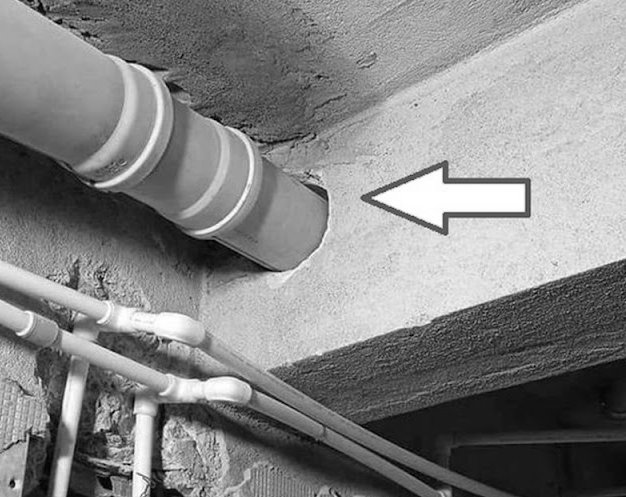
The common tools detect clashes. The engineer still resolves each one by hand.
Detect. Explain. Fix.
-
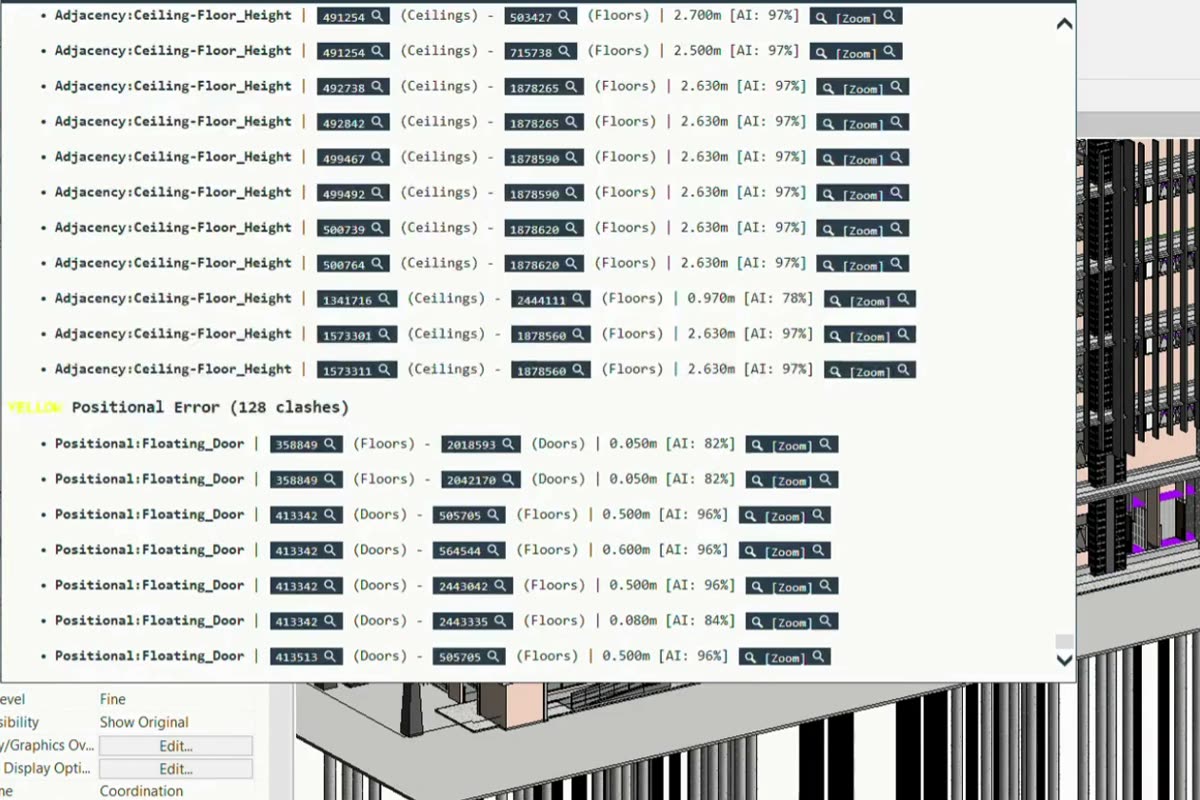
Detect
Scans the Revit model for hard clashes and for breaks of 8 design rules.
-
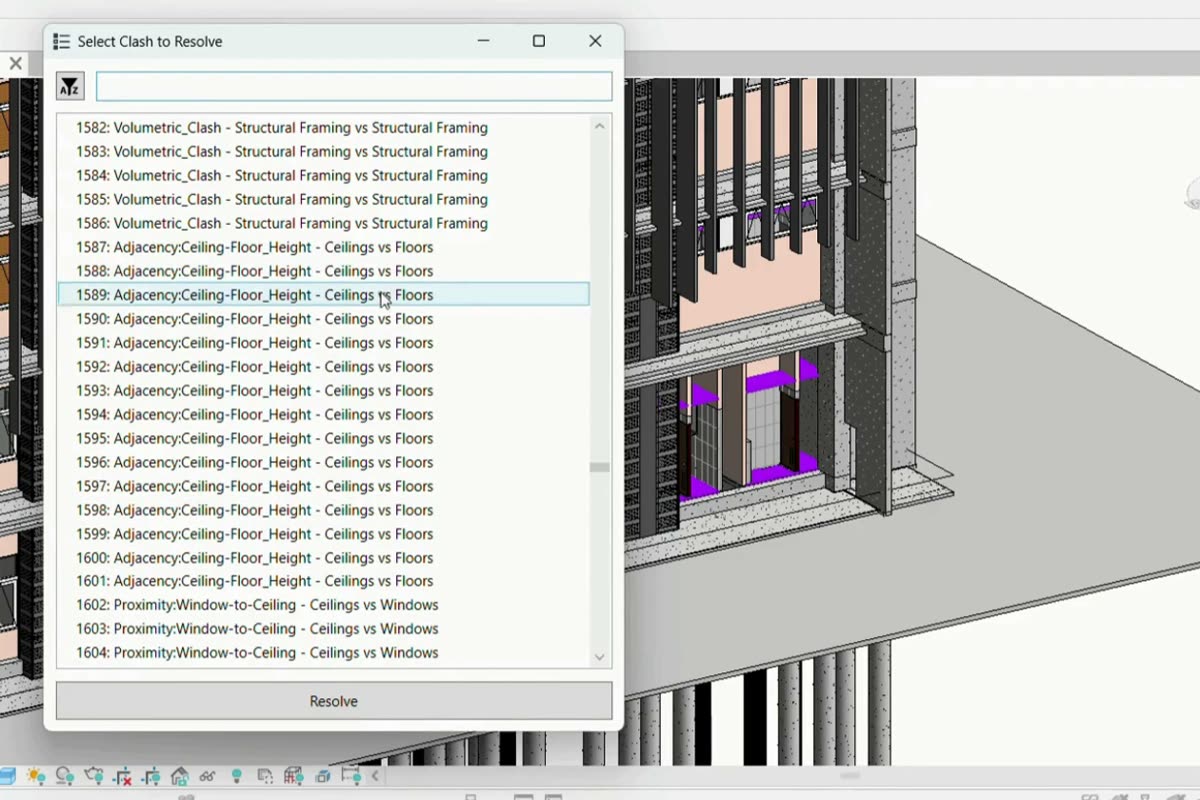
Explain
Shows where each clash is and which design rule it breaks.
-
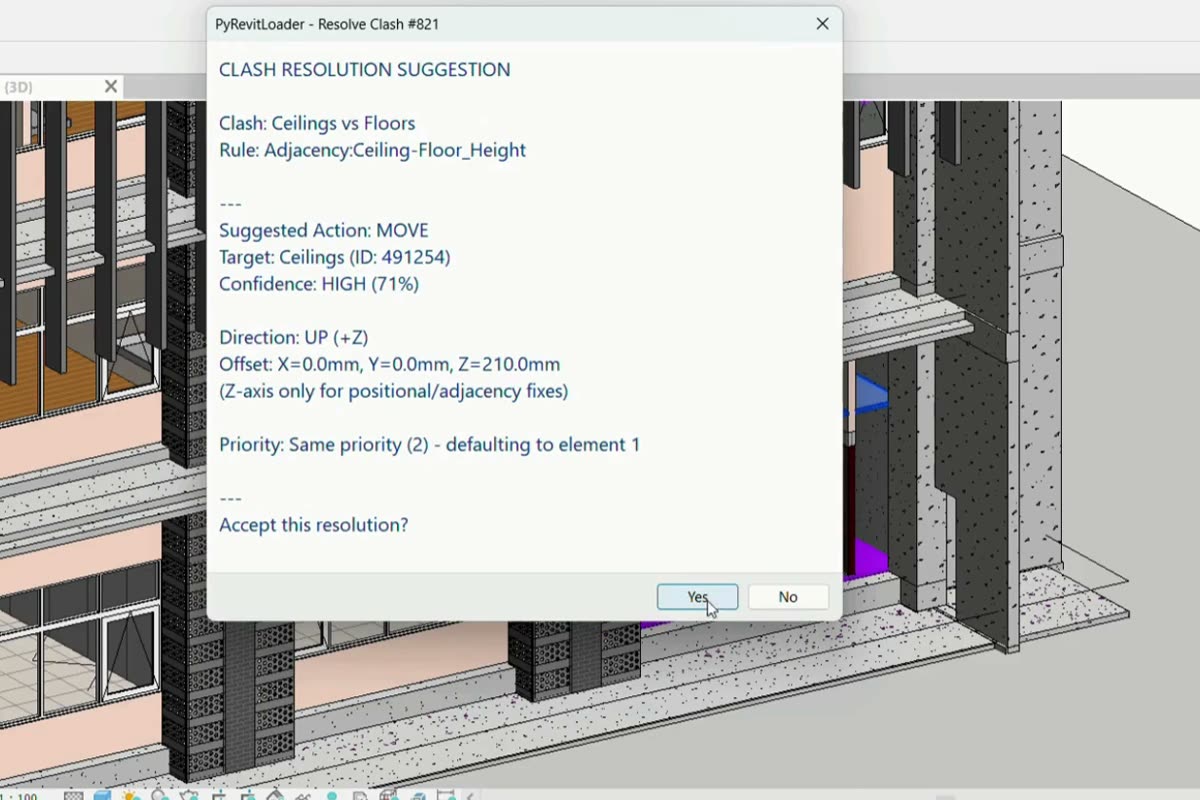
Fix
Suggests a move, shows what the move affects, and applies it when you approve.
Example from the demo model
- Rule
Adjacency:Ceiling-Floor_Height- Suggested action
- Move
- Target
- Ceilings (ID
491254) - Confidence
- High (71%)
- Direction
- Up (+Z)
- Offset
X 0.0 mm Y 0.0 mm Z 210.0 mm
Works inside Revit. No new tool to learn.
49% less clash-handling time than Navisworks.
Share of alerts that turned out to be wrong
Estimated time to find, review and fix clashes in our 2026 benchmark study.
ClearClash checks against your firm’s rules, not one fixed standard.
- Regional presets start from the rules of a region.
- Adjustable thresholds change a limit to match the project.
- Custom rules for each project.
- A record of the settings used in each check.
The 8 design rules in the current build
| Type | Rule | Flags when |
|---|---|---|
| Hard clash | Volumetric_Clash | overlap of 2–10 mm (by LOD) |
| Soft (proximity) | Door/Window_to_Column | distance < 10 cm |
| Soft (proximity) | Door_to_Wall_Corner | distance < 10 cm |
| Soft (proximity) | Door_to_Door | distance < 10 cm |
| Soft (proximity) | Window_to_Window | distance < 15 cm |
| Soft (proximity) | Window_to_Ceiling | distance < 15 cm |
| Positional error | Floating_Door | gap > 1 cm |
| Adjacency | Ceiling_Floor_Adjacency | height < 2.7 m |
Default thresholds follow the Neufert standard. You can change each one.
Three roles handle every clash. ClearClash shortens the step for each.
Model coordinator
- Today
- Sorts through a list of alerts and finds each issue in the model. Some alerts turn out to be harmless.
- With ClearClash
- Sees where each issue is and which design rule it breaks.
Architect or engineer
- Today
- Works out which part of the design can move. Moving one part can create another problem nearby.
- With ClearClash
- Sees a suggested move and checks what it could affect before deciding.
Head of BIM or firm lead
- Today
- Estimates what the tool could save. A demo alone gives little evidence.
- With ClearClash
- Times the same kind of review with and without the tool.
Priced per team, per month.
-
Individual
1 user
$99USD per month
-
Team
2–5 users
$399USD per month
-
Enterprise
6–20 users
$1,099USD per month
-
Enterprise+
More than 20 users
Custom
Beta access is free. Pricing applies at launch.
Join the betaBuilt by three founders. 1st place at Tech Europe Foundation 2025.

-

Alya Putri Ashyifa
Co-founder, CEO
Architectural Engineering
-

M. Shobir Abdussyakur
Co-founder, CTO
Cybersecurity and AI
-

Dimas Naufal Djatmiko
Co-founder, CMO
Business and Finance
Try ClearClash on your own model.
Tell us where you work. We will send the installer and a short setup guide.